 Product Designer
Selected work 02
Trudi Portal
One place for a fragmented working day
From the only designer to leading a team of 10, I helped shape an AI property management assistant and a shared design workflow.
- Role
- Team Lead · UI Designer · Motion Designer
- Dates
- 09/2021 – 09/2024
- Type
- Web app · Property management
- Team
- 1 UX Designer, 6 UI Designers, 2 UI Designers (Design System), 1 Motion Designer
Introduction
Trudi is an AI-powered property assistant. Its platform centralizes incoming inquiries and tasks to help property managers manage their workload.
- My roles
- Team Lead, UI Designer and Motion Designer.
- Collaborators
- 1 UX Designer, 6 UI Designers, 2 Design System UI Designers and 1 Motion Designer.

Problem
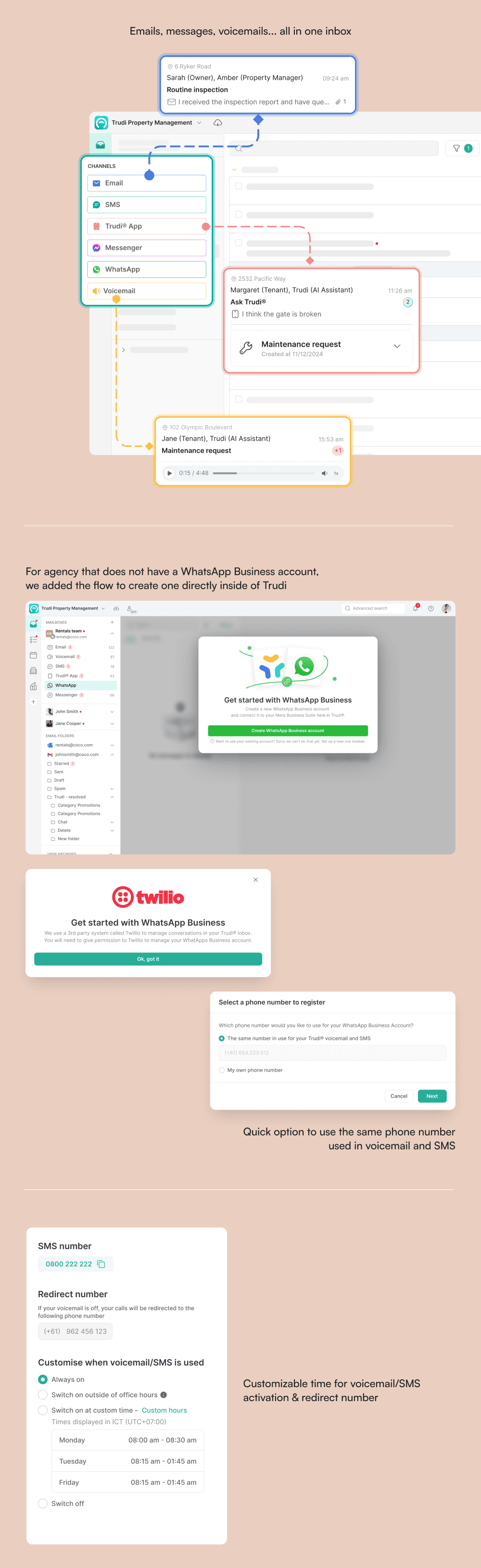
Property managers handle inquiries from tenants, landlords and service suppliers across email, voicemail, SMS and apps. Each task type requires a predefined set of manual steps, repeated throughout the day.
- The problem was both fragmented communication and repetitive work.
Solution
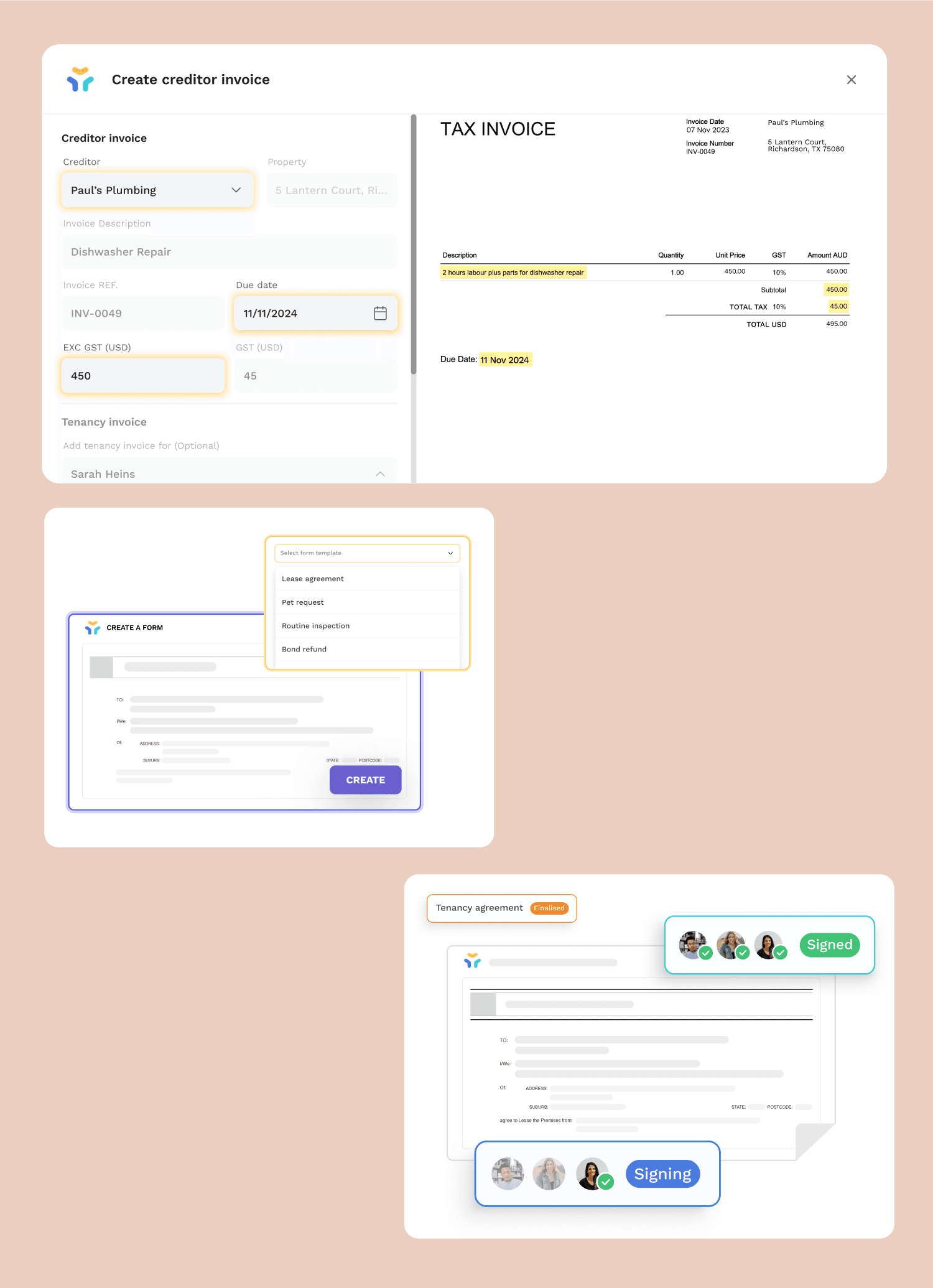
Trudi Portal combines those channels into a centralized communication hub. An AI Assistant supports managers and automates repetitive tasks, including drafting replies and entering invoice data.
Users
- Agency owners
- The companies responsible for managing properties in each region.
- Property managers
- The agency representatives who connect tenants and landlords.
Product UI
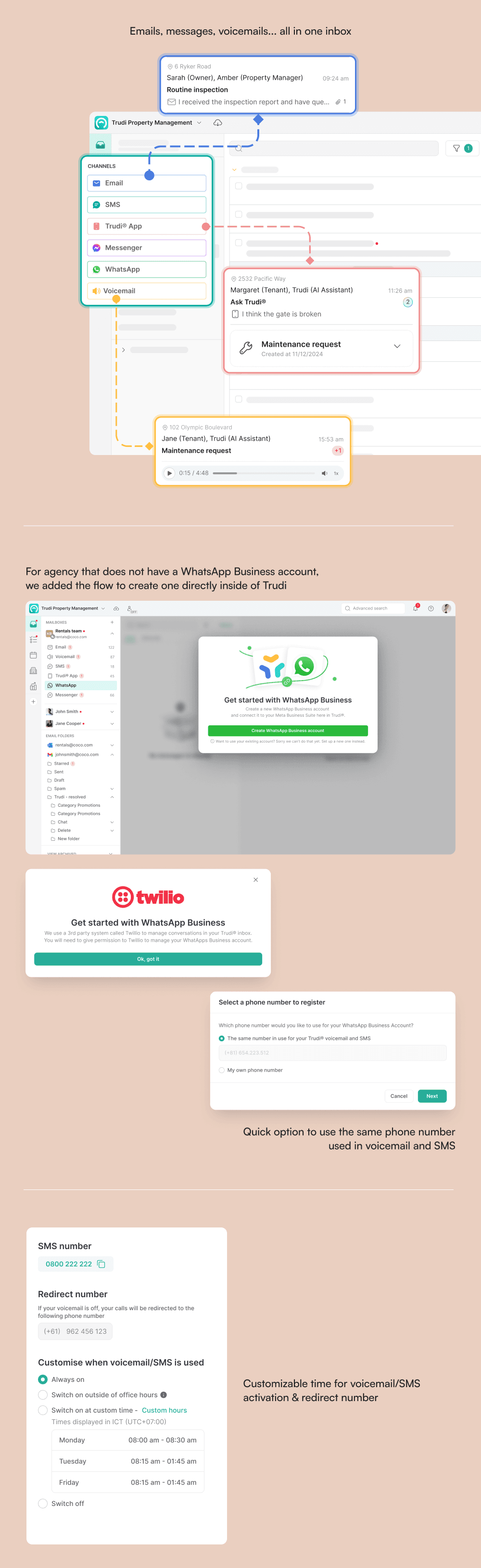
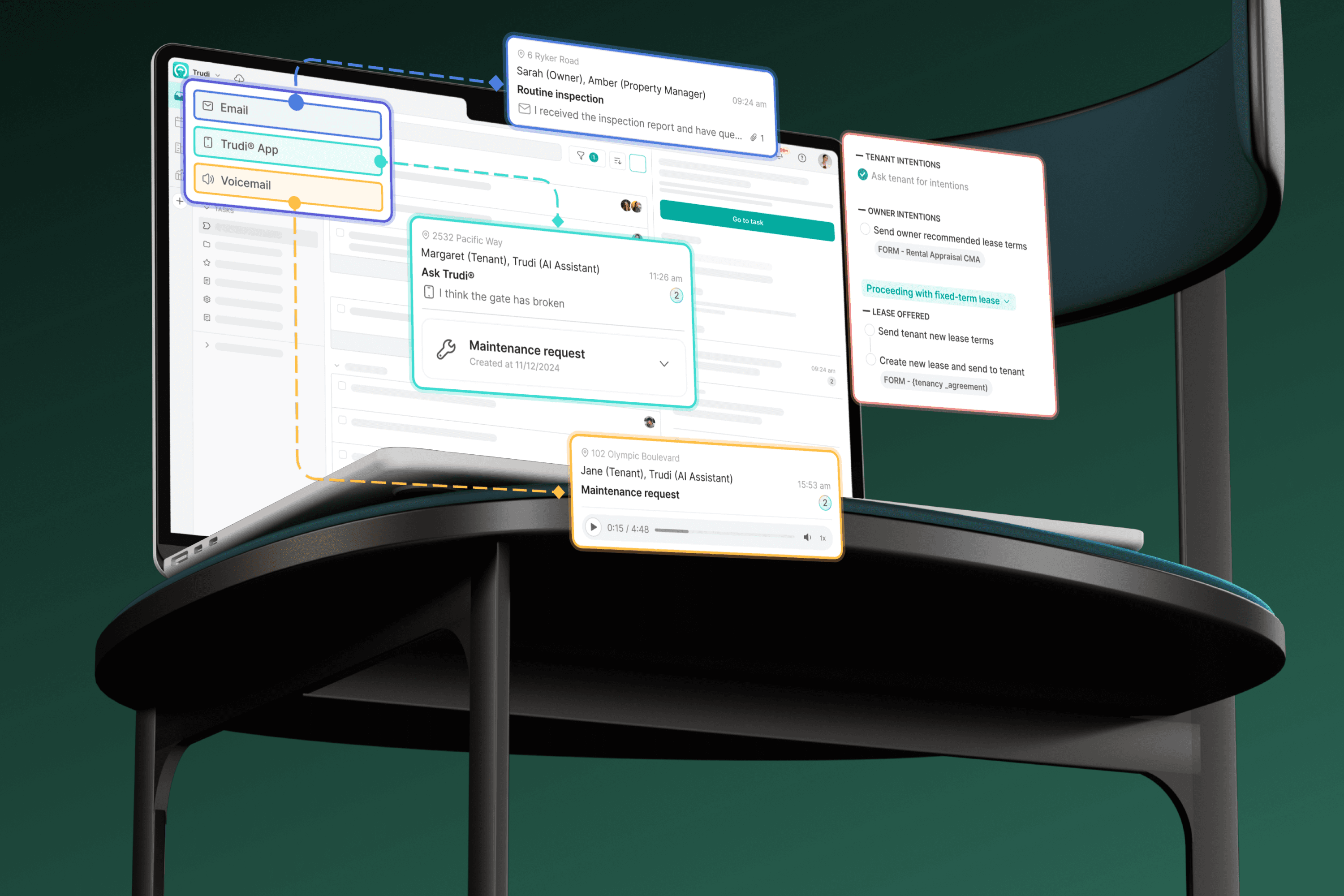
Centralized communication hub
Incoming channels sit together in one workspace, rather than requiring managers to move between separate communication tools.
Message and task indexes
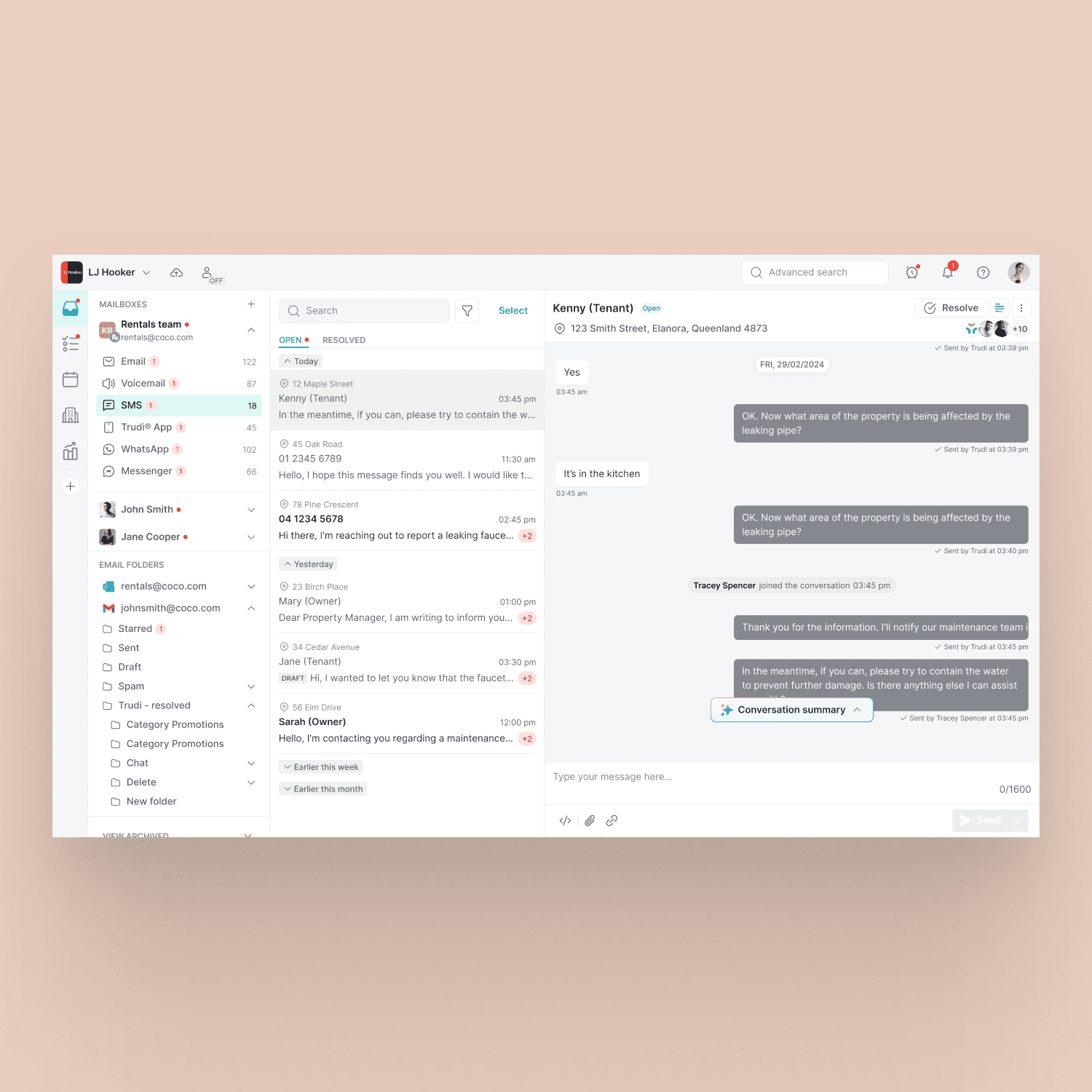
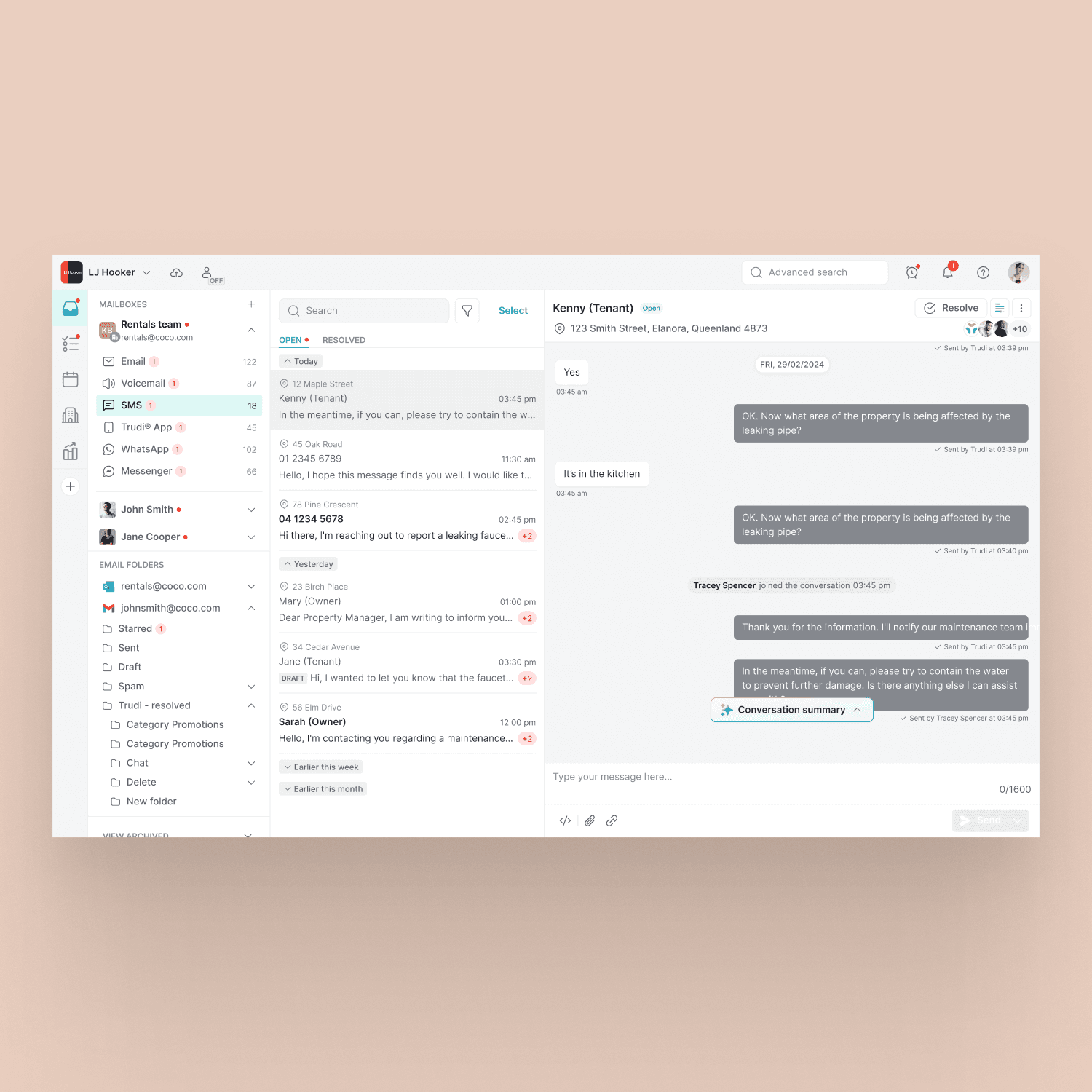
The message index contains requests and conversations from tenants, landlords and suppliers.
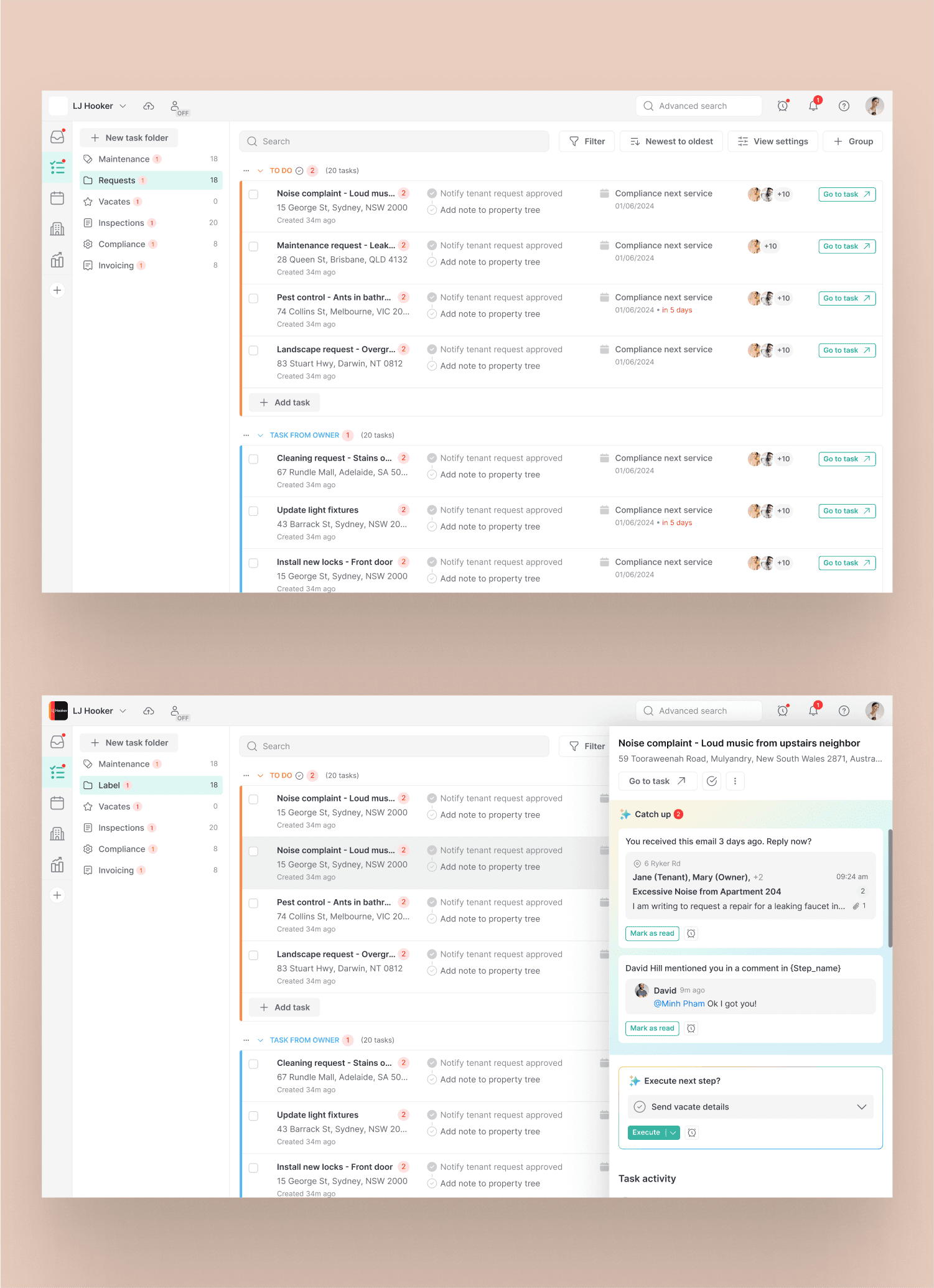
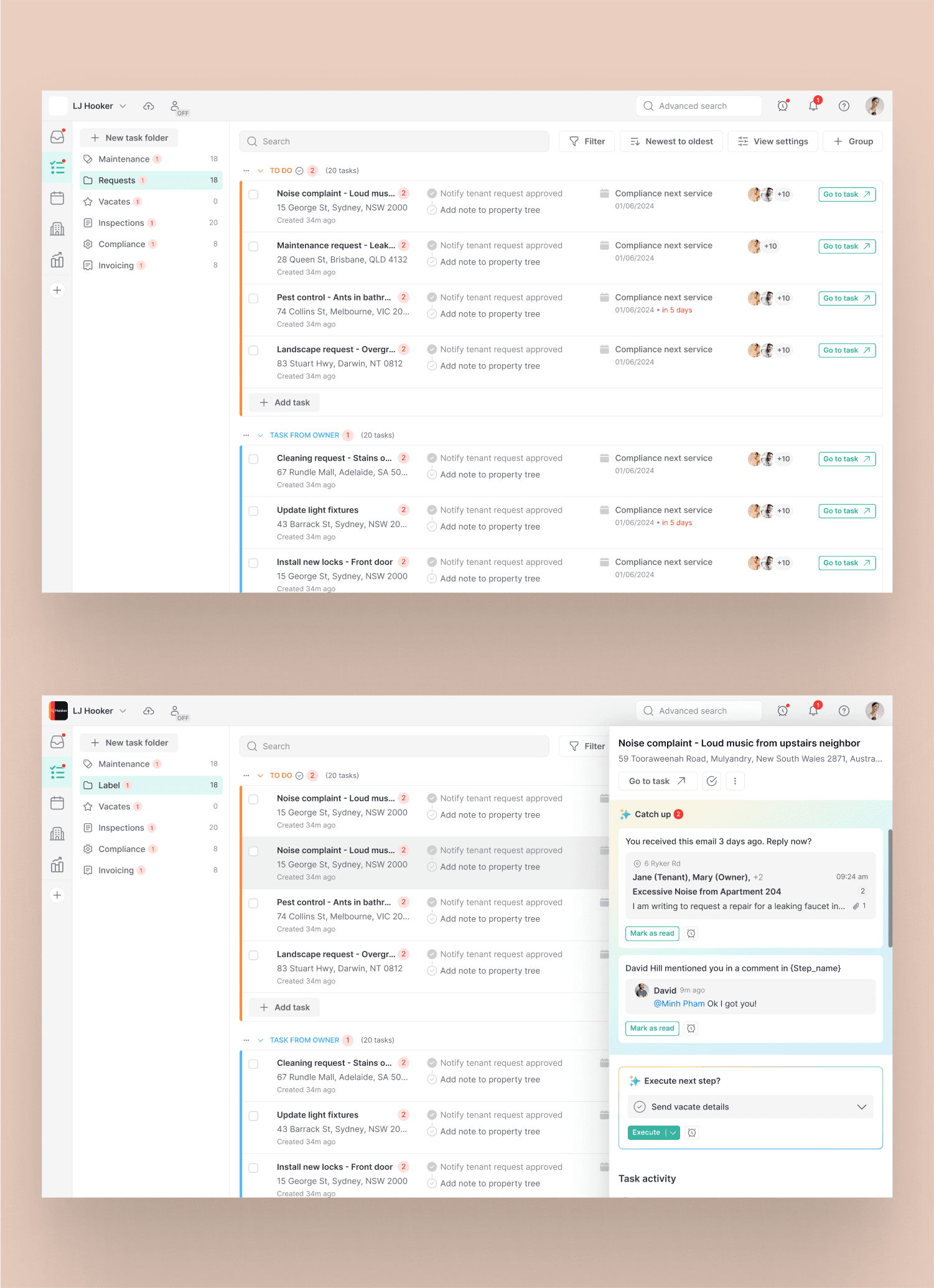
- Task index
- The task index groups work into folders by task type and shows owned and assigned tasks.
- Context at a glance
- Requester information, current steps, related events and assignees remain visible.
- Quick view
- A quick view panel gives access to task details and actions without opening the full task.
Task detail
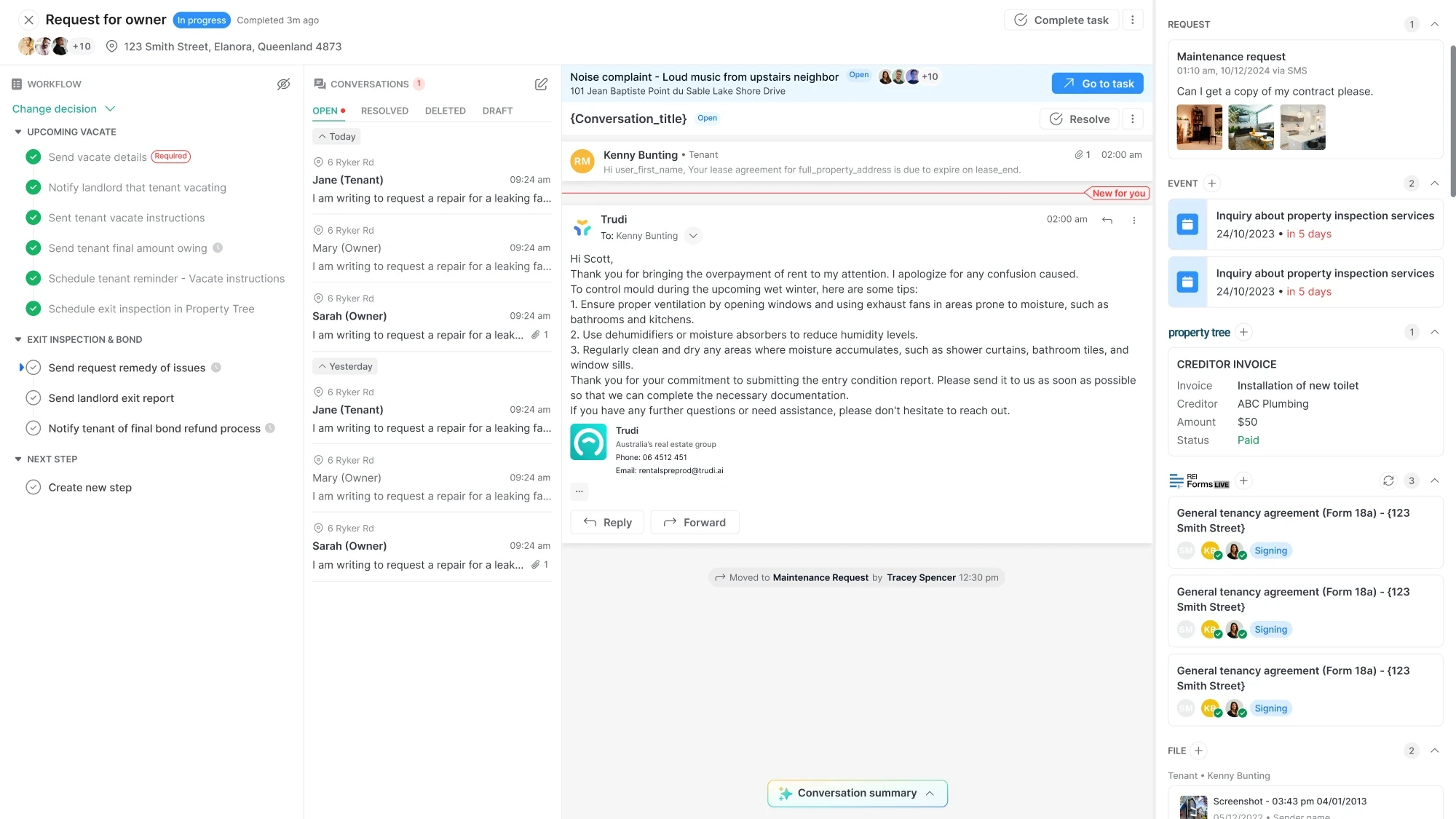
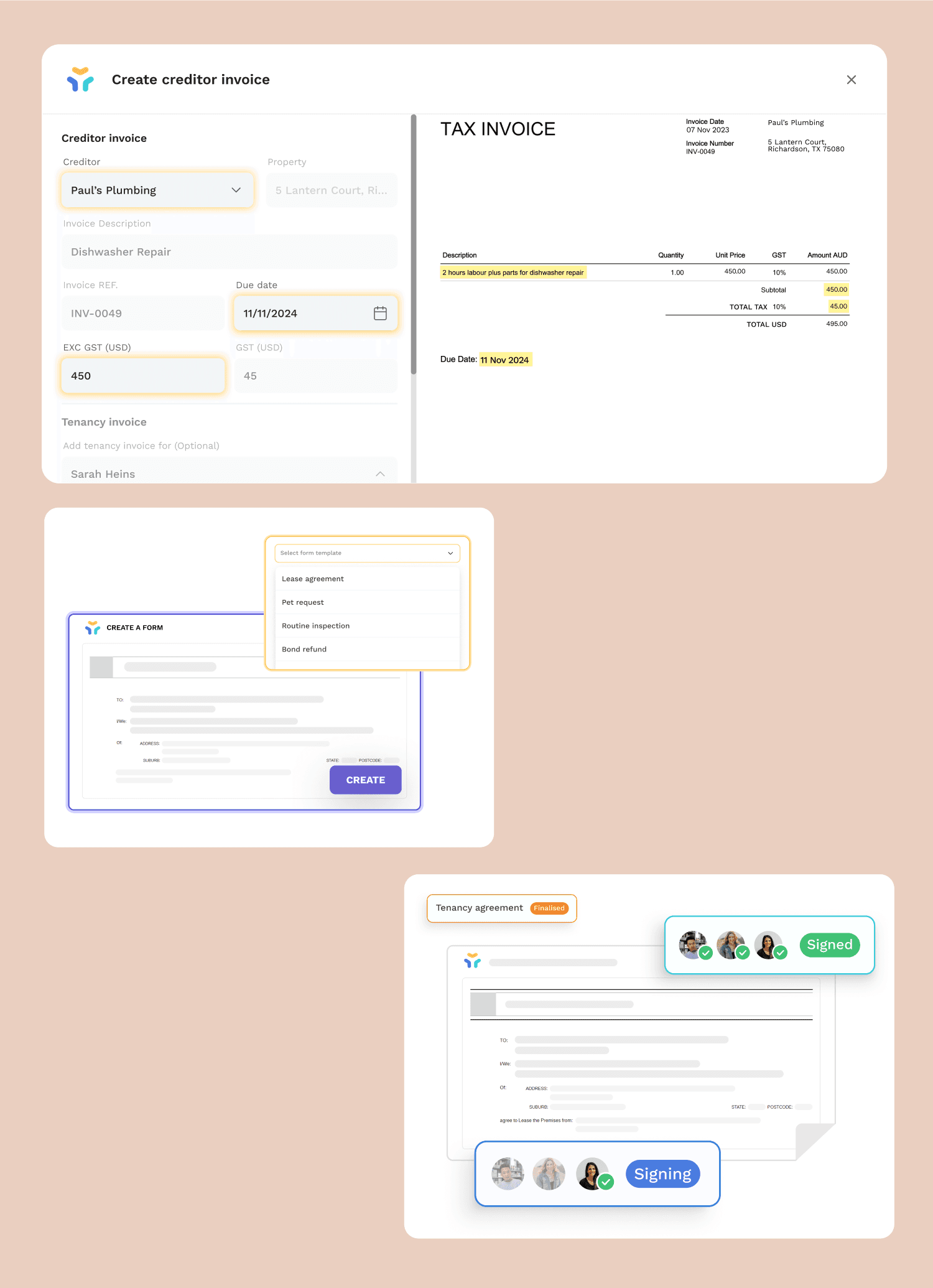
A workflow panel on the left guides managers through the task. AI supports repetitive steps such as drafting replies and entering invoice data into property management software.
- Request and history
- On the right: the original request ticket and event history.
- Property information
- Property management software information and attached files.
- Forms
- REI Form Live for sending forms and tracking signatures.
Contextual AI
We designed the AI Assistant to understand the current task and show relevant actions, helping managers stay focused without unrelated suggestions.
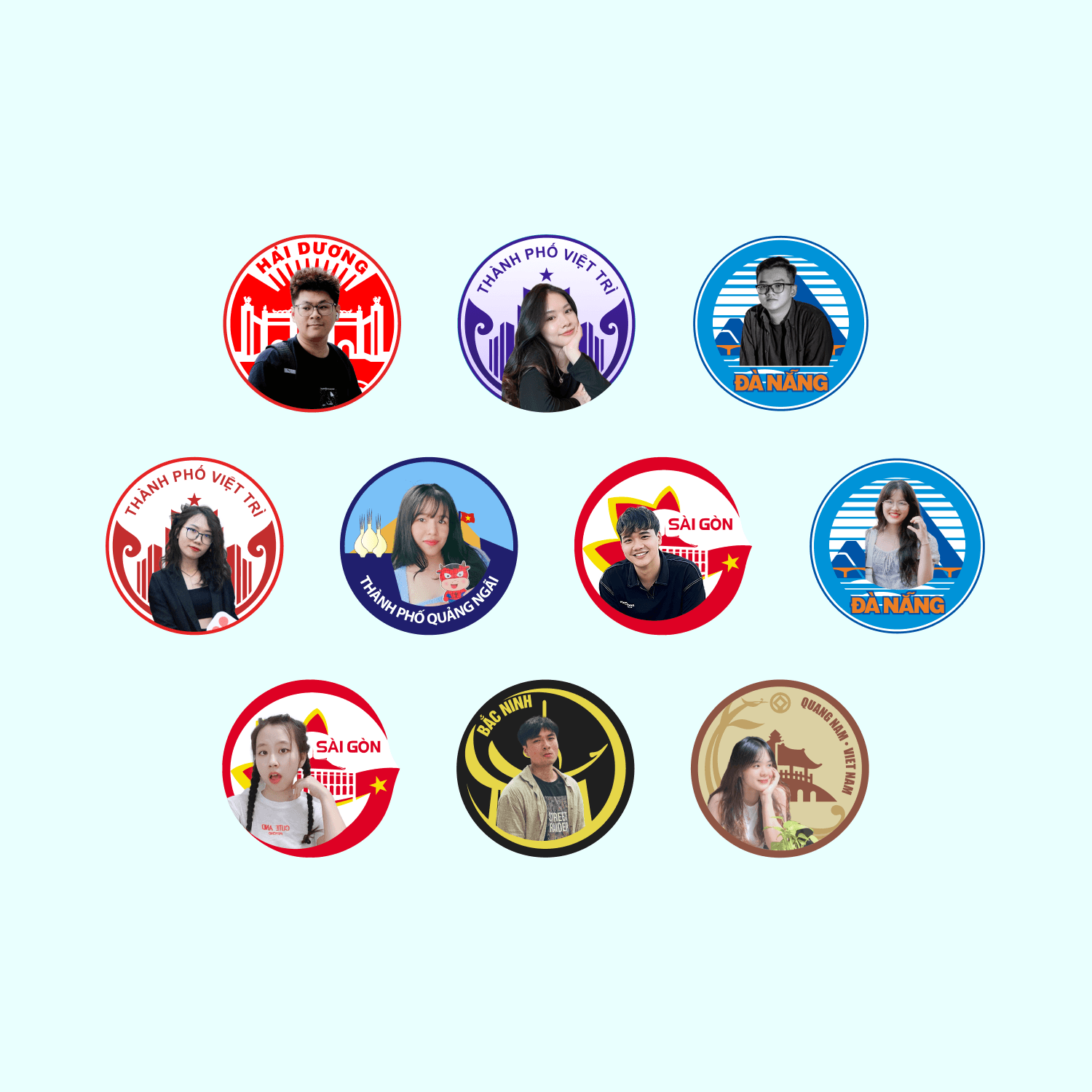
The design team
From the only designer to leading the team
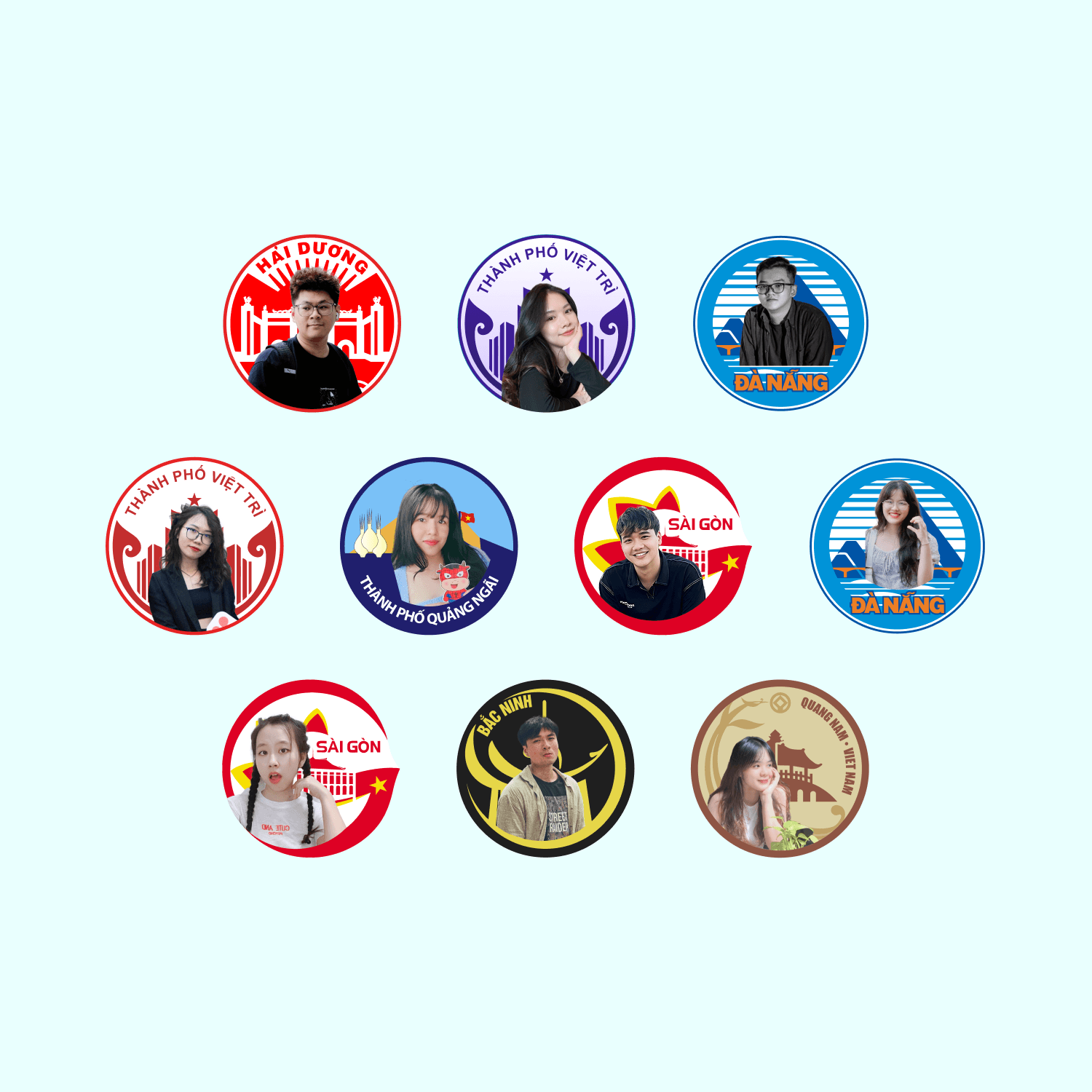
I joined as the only designer in September 2021, taking over from an external team while development continued. I later led a team of 10 designers.
As the project grew, business analysis, design and development became separate teams. I led design while continuing hands-on UI and motion work.
Leading the day-to-day work
- Helped hire and onboard designers.
- Represented design in planning with the product owner and COO, keeping work tied to business goals.
- Ran design critiques and retrospectives.


Keep exploring
Other projects
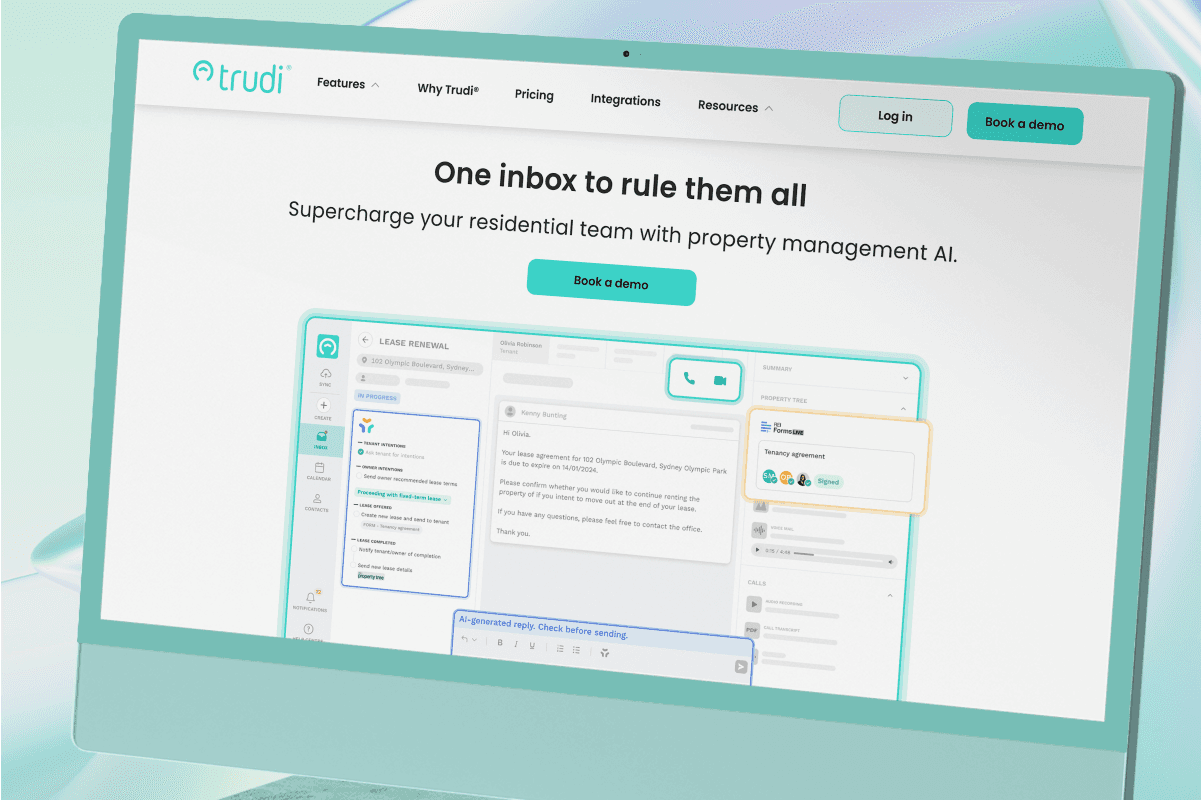
Website · Property management
Trudi Website
Showing the product through its website
Explore the project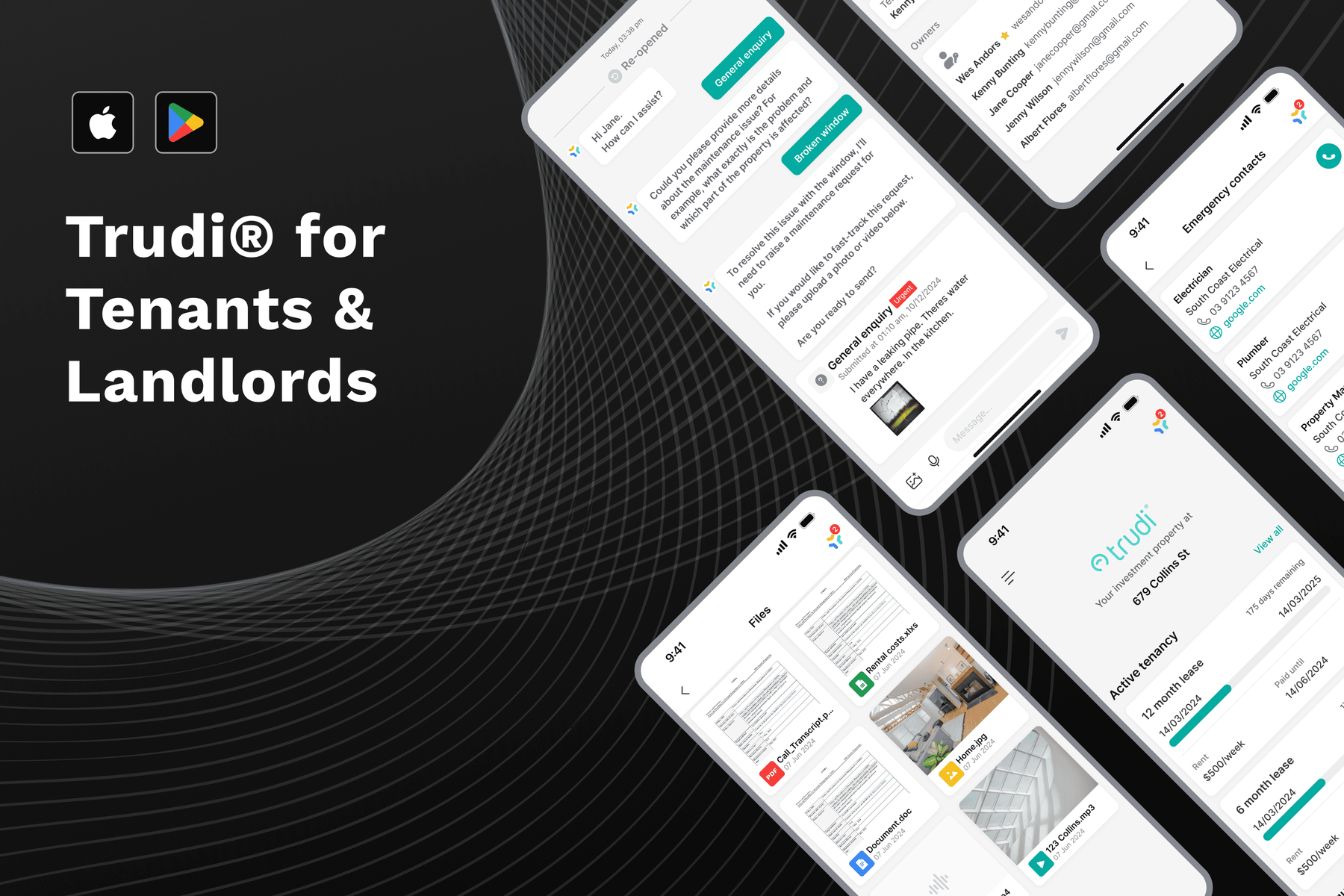
Mobile app · Property management
Trudi Tenant & Landlord App
From separate requests to one conversation
Explore the project
Mobile app · Healthcare
Hough Rapid
Clarity through an at-home test
Explore the project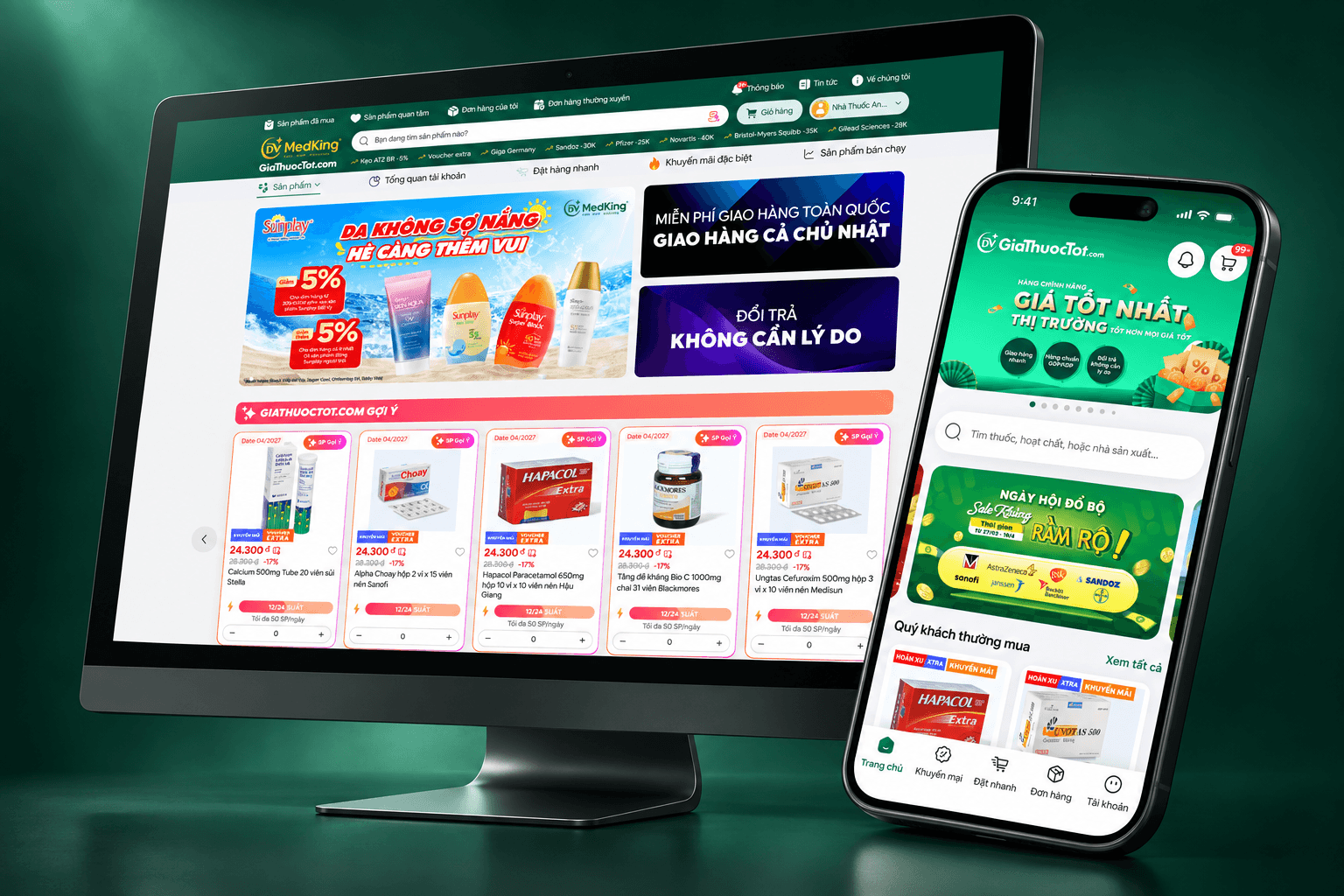
B2B e-commerce · Pharmaceuticals
giathuoctot.com
Understanding the why before redesign
Explore the project